Save Background Capture
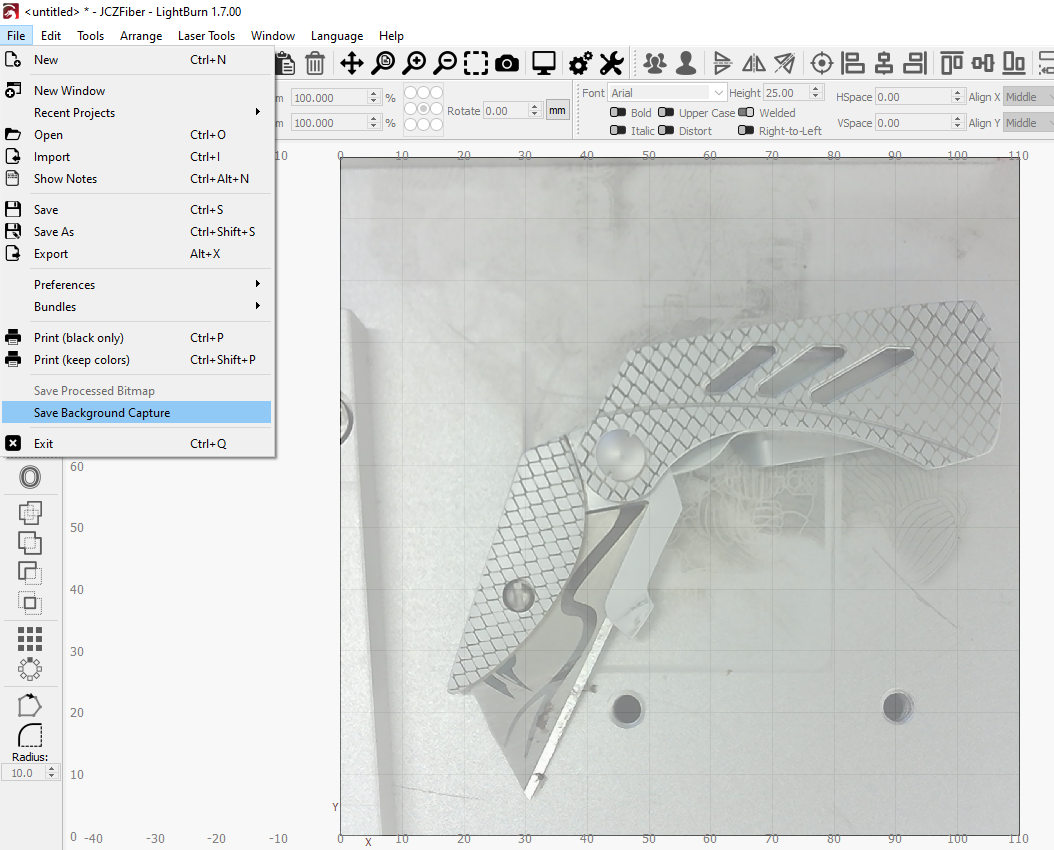
Use Save Background Capture to save a bitmap image of a camera overlay produced by a camera mounted over your laser's work area.
Saving Background Captures
In order to use Save Background Capture you must first properly Calibrate and Align your camera.
Click Update Overlay in the Cameras Window to produce an overlay.
Go to File → Save Background Capture to save the camera overlay.
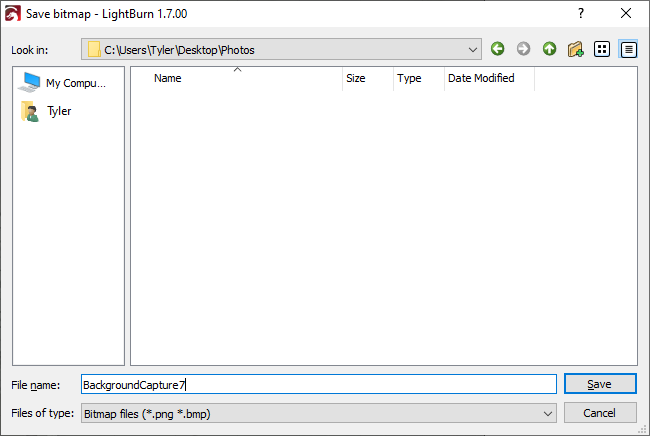
A dialog window will open, allowing you to name and navigate to the location you'd like to save the capture.