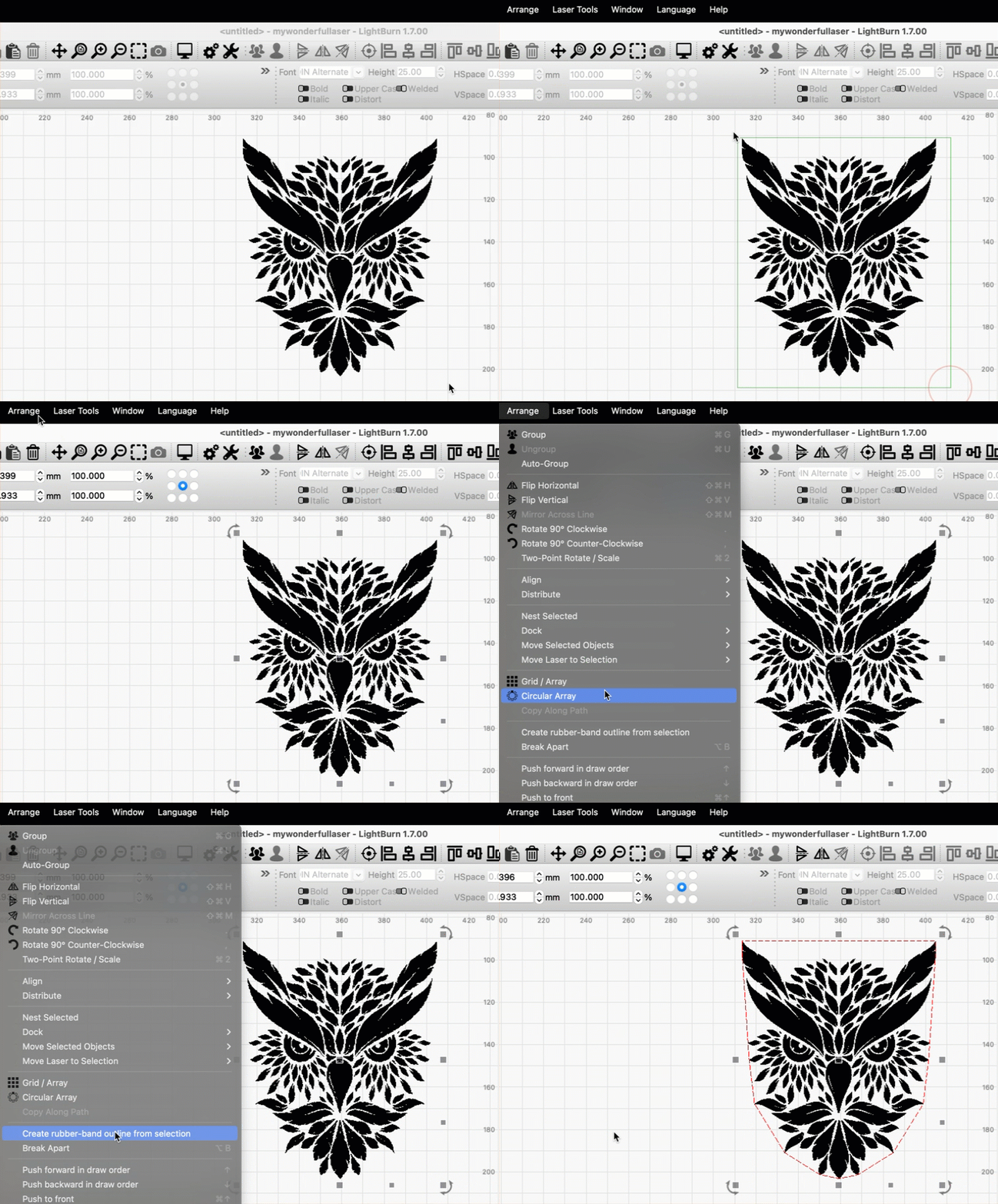
Create Rubber band Outline
Create rubber-band outline automatically makes a new shape outlining the graphics in your current selection. The new shape is defined as the shortest possible path that can contain all graphics in your selection, as if a rubber band were stretched around them.
Use this tool to quickly create cut lines around images or complex graphics, or to negate Filled areas in vector engravings.
After making a selection, go to Arrange → Create rubber-band outline from selection.
The outline that's created will automatically be set to the last layer you selected from the Color Palette.