Device Settings
The Device Settings window contains device-specific settings for your laser. The settings available change based on the device selected — not all settings described below will necessarily be shown in your instance of LightBurn.
Access Device Settings by selecting Laser Tools → Device Settings or by clicking  in the Main Toolbar.
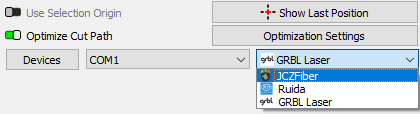
Device Settings Window
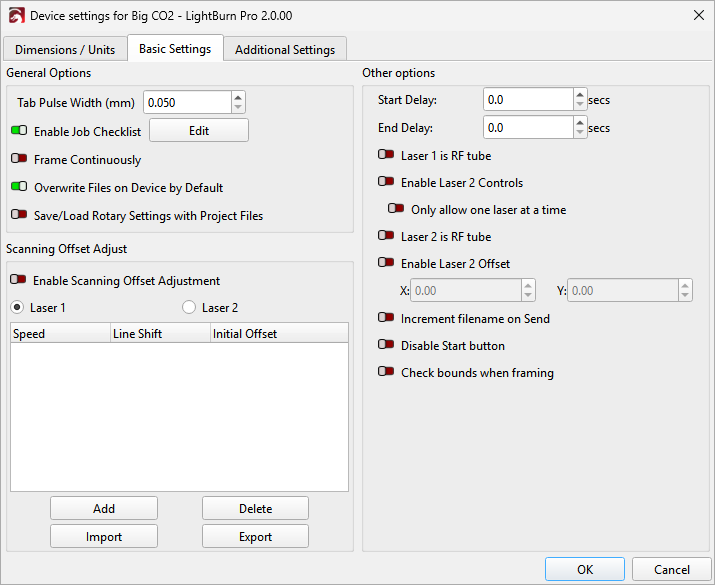
The Device Settings window
The Device Settings window is split into several tabs, not all of which will be available for all machines.
-
Dimensions / Units
Per-device unit and dimension settings.
-
Basic Settings
The most commonly used device settings.
-
GCode
Modify GCode output for GCode Devices.
-
Additional Settings
Settings for simulating previews and estimating time.
-
Custom GCode
Advanced GCode customization for the Custom GCode device type.
-
Galvo and Basic Settings
The most commonly used device settings for Galvo lasers.
-
Ports and Laser Settings
Configure a Galvo laser's ports and laser source.
Troubleshooting
- If you aren't seeing a setting you expected to see, check which tab you're in and make sure it's applicable to your laser.